
The Veil Ancient Bones Quest Objective
When your Main Quest HUD displays Ancient Bones, your objective during The Veil Ancient Bones quest is to find and kill this specific creature. This is a direct combat hunt, not an item pickup or bone-farming task.
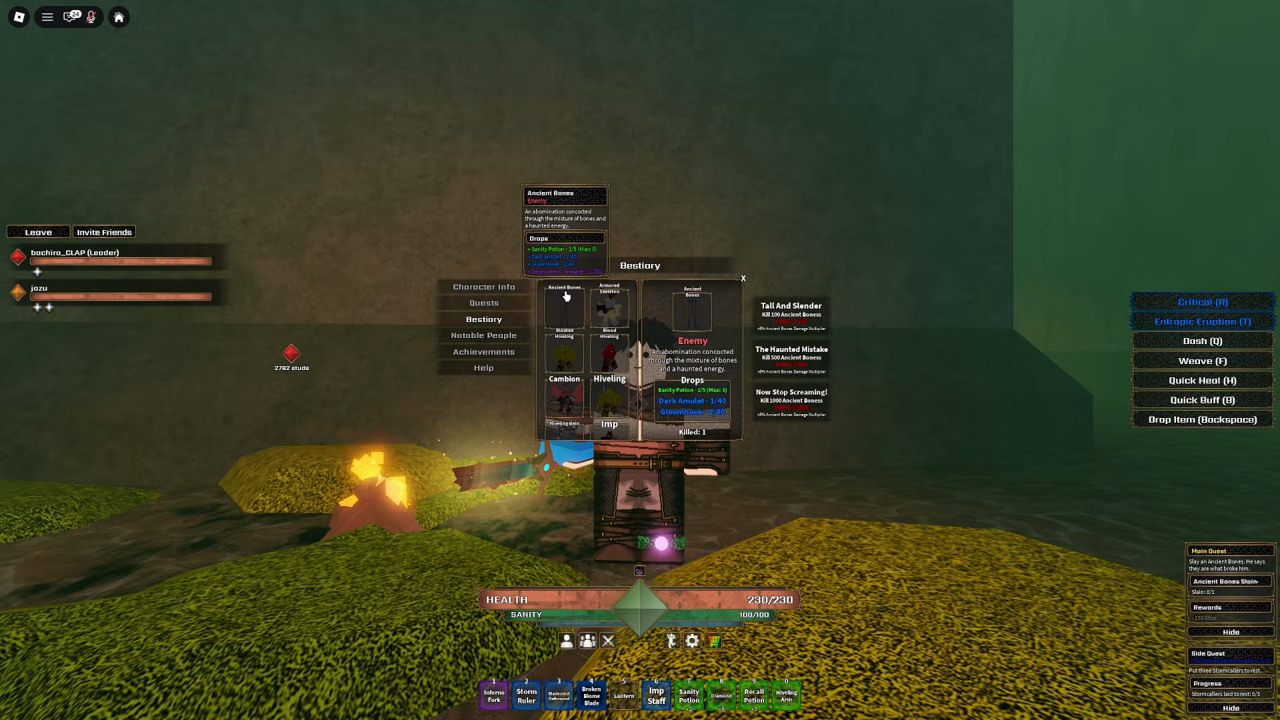
Press your menu, go to Information, and open the Bestiary to see Ancient Bones. Checking its appearance beforehand helps you spot the monster right away when exploring maze corridors.
The Veil Ancient Bones Location in the Maze
Confirm Active Quest & Toggle Quest Arrow
Ensure Ancient Bones is your active Main Quest objective, then click the gem in the center of your HUD to toggle your directional guidance arrow toward its usual spawn area and search nearby corridors.
Identify the Target in the Bestiary
Open Information and select Bestiary to view Ancient Bones. Inspecting the creature's model and traits ensures you recognize it immediately when patrolling the corridors.
Follow the Arrow and Manage Sanity
Follow your quest arrow into the maze paths. Pack Sanity Potions and maintain an awareness of nearby campfires and outposts so you can safely retreat if needed.
Defeat Ancient Bones
Slay Ancient Bones in combat and verify that your Main Quest HUD updates to the next Disease Era milestone.
Ancient Bones Bestiary Identification & Maze Hunt
Preview in-game menus, stats, routes, and gameplay footage.
Playing loads YouTube’s video player. You can also open the original video.
Use the Bestiary and Quest Arrow
To help you locate your objective in The Veil Ancient Bones quest, an official update added waypoints guiding to the usual spawn areas for the Ancient Bones and Cambion quests. If you do not see a direction marker, click the center gem on your HUD to toggle the quest arrow back on and search nearby corridors.
Follow your active quest arrow into the corridors. Keep your Sanity bar in mind and maintain a clear escape route back to an Outpost or campfire while you search.
Prepare for Your Maze Search
Keep your Sanity above zero while searching the maze during The Veil Ancient Bones quest. If your Sanity drops low and you have no potions left, head back to a campfire or Outpost immediately. Dying in the maze costs progress that could have been saved with a timely retreat.
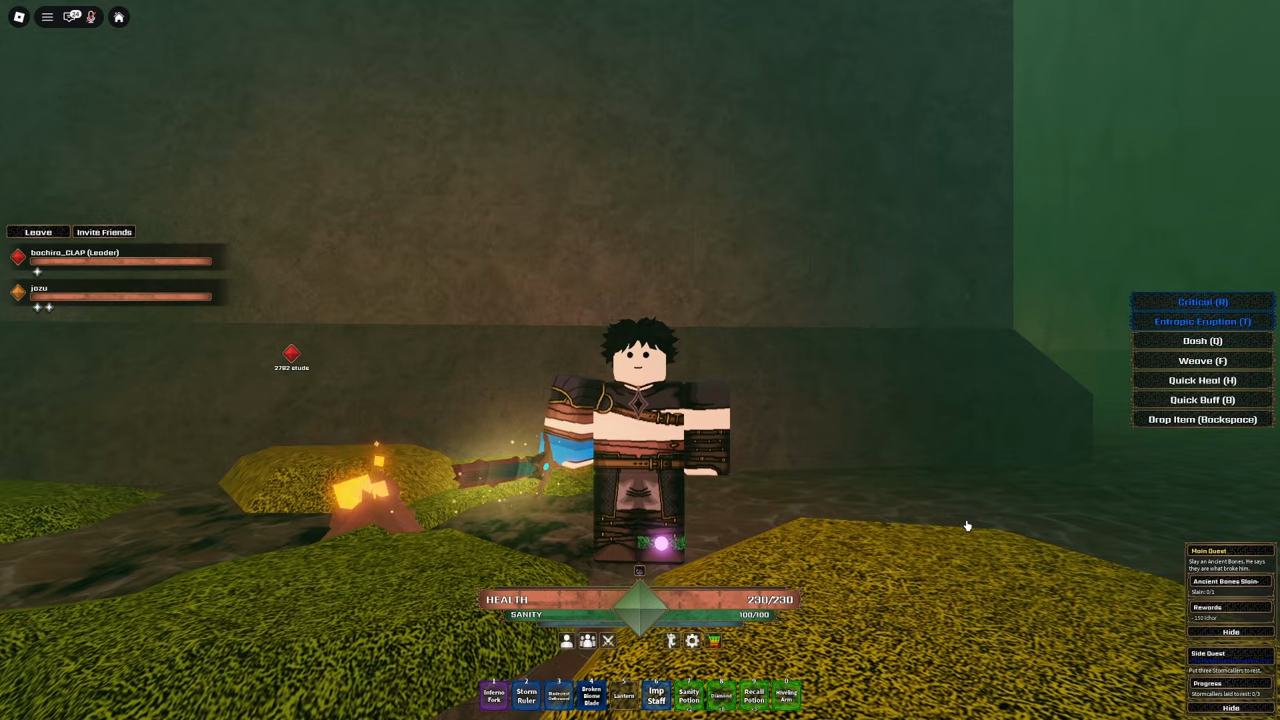
- Carry Sanity Potions before stepping into the maze at night.
- Keep track of the closest campfire or Runner Outpost for a safe retreat.
- Tag all waypoints along your way, keeping the 60-second teleport cooldown in mind.
- Watch your Sanity meter and turn back before you run out of recovery items.
Troubleshoot: The Veil Ancient Bones Not Spawning
| Situation | What to Check | Recommended Next Step |
|---|---|---|
| No quest arrow visible | Center HUD gem toggle | Click the center HUD gem to reactivate your directional arrow. |
| No mob at current marker | Adjacent maze corridors | Check nearby hallways while keeping a safe path back to campfires. |
| Search is taking several minutes | Current Sanity level | Do not wait in place on a fixed timer; check nearby paths and keep Sanity filled. |
| Quest counter did not update | Bestiary creature name | Open Information → Bestiary to verify the monster name matches your active quest HUD. |
Your Next Main Quest Step
Once you defeat Ancient Bones and clear The Veil Ancient Bones quest, your HUD will update with your next Disease Era objective. Progression leads forward toward the Lost Runner in the Weeping Crypt and Bobby at Echohold.
Quick answers
Does Ancient Bones spawn on a fixed timer?
There is no confirmed spawn timer. A creator spent around five minutes locating the monster during a run, but you should simply patrol the area indicated by your quest arrow while keeping your Sanity safe.
Does low Sanity make Ancient Bones spawn faster?
Keep your Sanity high regardless of spawn rumors. Letting Sanity reach zero causes death and Prestige loss, so always use potions, campfires, or Outposts to stay healthy while searching.
Is Ancient Bones a harvestable item or a monster?
Ancient Bones is a specific creature you hunt and defeat in the maze, not a bone item or harvestable ground resource. Killing the monster completes the objective on your quest tracker.
How do I locate Ancient Bones in the maze?
When your Main Quest shows Ancient Bones, confirm the objective on your HUD and click the center gem to toggle your guidance arrow. Follow the arrow toward its usual spawn area and search nearby corridors, while checking Information → Bestiary to identify the creature.